IBM Cyber Resilience: What Backup and DR Don’t Cover
November 6, 2026

Lightedge
Author
Moving an IBM environment to the cloud does not automatically provide disaster recovery.
Having backups does not guarantee a business can recover from a cyber incident.
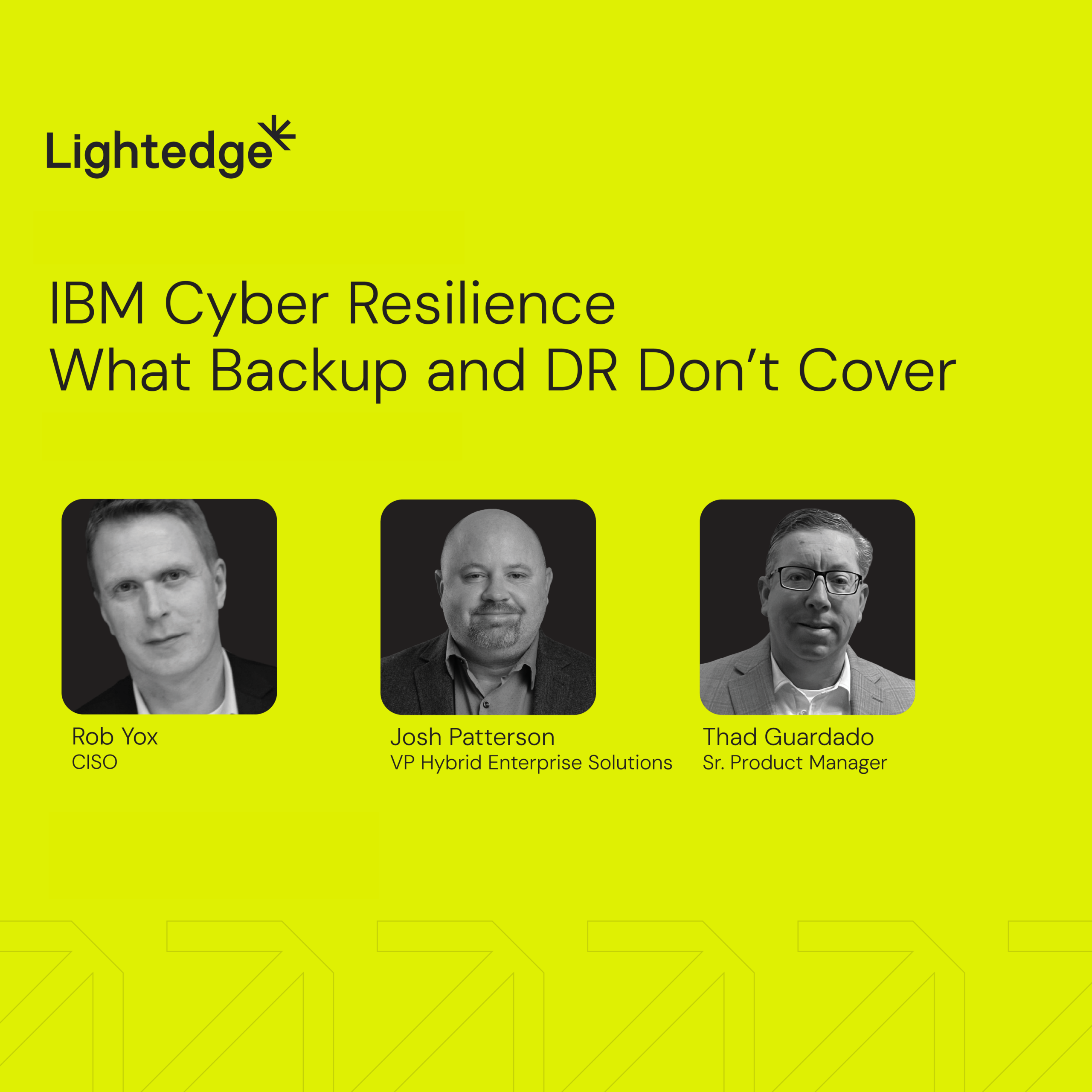
Those were two common misconceptions Lightedge experts Thad Guardado, Rob Yox, and Josh Patterson addressed in “IBM Cyber Resilience: What Backup and DR Don’t Cover.” The discussion explored how disaster recovery, security, and business continuity fit together, and what organizations can do to prepare for more than a facility outage.
Watch the recording here.
Cloud infrastructure is one part of the plan
Cloud platforms can provide resilient infrastructure, but organizations still need backup, high availability, and disaster recovery plans that meet their business requirements. The right design depends on recovery point and recovery time objectives, workload needs, and the impact of losing a system or region.
The panel also distinguished disaster recovery from business continuity. DR focuses on restoring technology and data. Business continuity considers the broader work required to keep the organization operating, including customer communications, contractual and regulatory obligations, legal response, and the people and processes needed to resume business functions.
A cyber incident can complicate those plans. If email or other core communications systems are compromised, teams need to know how they will reach customers and employees. If staff must work remotely, the organization should understand whether its infrastructure and network access can support them. These are questions to work through before an incident, not during one.
Know what your IBM i environment exposes
For long-running IBM i environments, security assessments can give teams a starting point for understanding risk. Patterson highlighted areas such as broad object authority, security and password levels, shared root access, and controls over which users and IP addresses can connect to services.
IBM i also provides audit and journaling capabilities that can help track system activity and support investigation. That information can be sent to an organization’s security information and event management system for broader monitoring and correlation. But the capabilities only help if they are enabled, configured, and reviewed.
The panel encouraged organizations to use an assessment to identify issues, prioritize remediation, and decide which risks to address or formally accept. As organizations explore AI, Patterson addressed how access controls and visibility into system connections become even more important.
Protect backups and prove they work
Backup retention should reflect business, regulatory, and operational requirements. Patterson described a common IBM i pattern of retaining daily backups for about a month, monthly backups for a year, and annual backups for seven years, while emphasizing that each organization’s needs differ.
The panel also discussed protecting backup copies from tampering. Options can include replicated virtual tape libraries, immutable snapshots, and, where appropriate, physical tape stored offsite. The goal is to preserve copies that remain available if attackers gain access to the production environment or connected backups.
Testing matters just as much as protection. Patterson recommended confirming that backups include everything needed for recovery, such as the operating system, libraries, and the Integrated File System. A backup job that appears successful may still omit important data.
Yox shared an incident in which a team discovered during a crisis that a backup tied to an eight-hour recovery point objective had not been working for weeks. The example underscored the need for alerts, ownership, and regular checks, along with tests that demonstrate the organization can actually restore what it expects to restore.
Practice the recovery and the business response
The panel recommended documented runbooks, regular testing, and tabletop exercises. A tabletop exercise lets teams walk through a scenario and identify gaps in responsibilities, communication, and decision-making. For example, teams can confirm who contacts customers, how to reach them if normal systems are unavailable, and who can authorize key response decisions.
For IBM Power recovery, Patterson described starting with a non-production “bubble” test, then progressing to a role swap that runs workloads from the recovery site. Lightedge’s DR team builds and tests runbooks with customers, and multiple team members practice executing them, so recovery does not depend on one person.
The panel also discussed recovery tools in Lightedge’s IBM Power Cloud environment, including FlashCore-based malware detection and IBM Safeguarded Copies. These capabilities can help flag unusual activity and identify protected snapshots from before detection. They complement the recovery process; teams still need to investigate alerts, validate the recovery point, and follow the runbook.
Recovery continues after systems return
Cyber resilience includes documenting what happened, preserving evidence, meeting applicable obligations, and tracking remediation. Yox emphasized that teams should record gaps discovered during an incident or test and follow through on improvements. Recovery is not complete simply because systems are back online.
The webinar’s central message was practical: backups, disaster recovery, security controls, and business continuity need to work together. Assess the environment, protect and verify recovery data, document responsibilities, and practice the steps. That preparation helps teams make informed decisions when time and information are limited.